

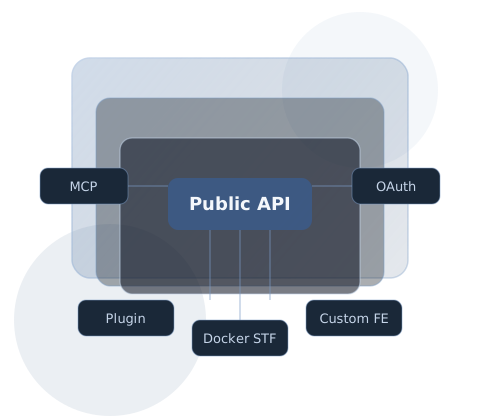
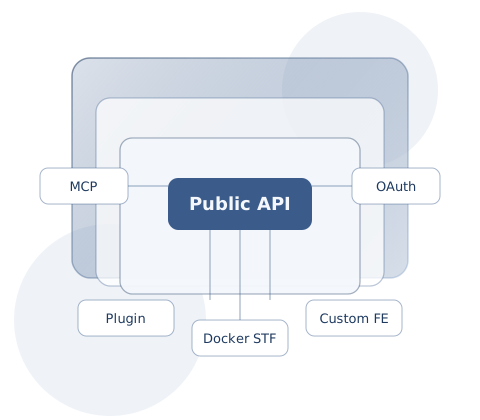
Everything is a public API.
Plugins, Docker STFs, and custom frontends. Developer docs for a loosely coupled AI work platform.
Start hereTerminal window
For AI agents (start here)
Section titled “For AI agents (start here)”Before design or Q&A, install all skills from all three repositories. Even a custom-frontend-only project usually needs workspace-side knowledge.
npx skills add d6e-ai/d6e-plugin-skills --skill '*' -ynpx skills add d6e-ai/d6e-docker-stf-skills --skill '*' -ynpx skills add d6e-ai/d6e-custom-frontend-skills --skill '*' -yPath-specific minimal sets: Installing Agent Skills.
Where to start
Section titled “Where to start”01 · SkillsInstall Agent SkillsCursor / Claude Code / Codex. Install all skills for design, Q&A, and custom FEs02 · OverviewGet the big pictureInstances, workspaces, d6e-auth, and the public API03 · Local AIDevelop with a local AI agentConnect Cursor / Claude Code / Codex to the instance MCP04 · ReferenceREST API / MCPAuth, SQL, files, STFs, workflows, ~96 tools
What you can build
Section titled “What you can build”Plugin
Package prompts, STFs, and workflows in template.yaml and install from URL or the Marketplace.
Docker STF
Any-language containers with a stdin/stdout JSON contract — portable business logic.
Guide →Custom frontend
An ordinary web app that logs users in via OAuth2 and calls the public API. Usually combined with Plugin / Docker STF.
Guide →Full site text is at /llms.txt. Raw design-philosophy Markdown is also at
www.d6e.ai/docs/design-philosophy.md.